
ARZ QR ORDERING
A QR menu that looks like your restaurant
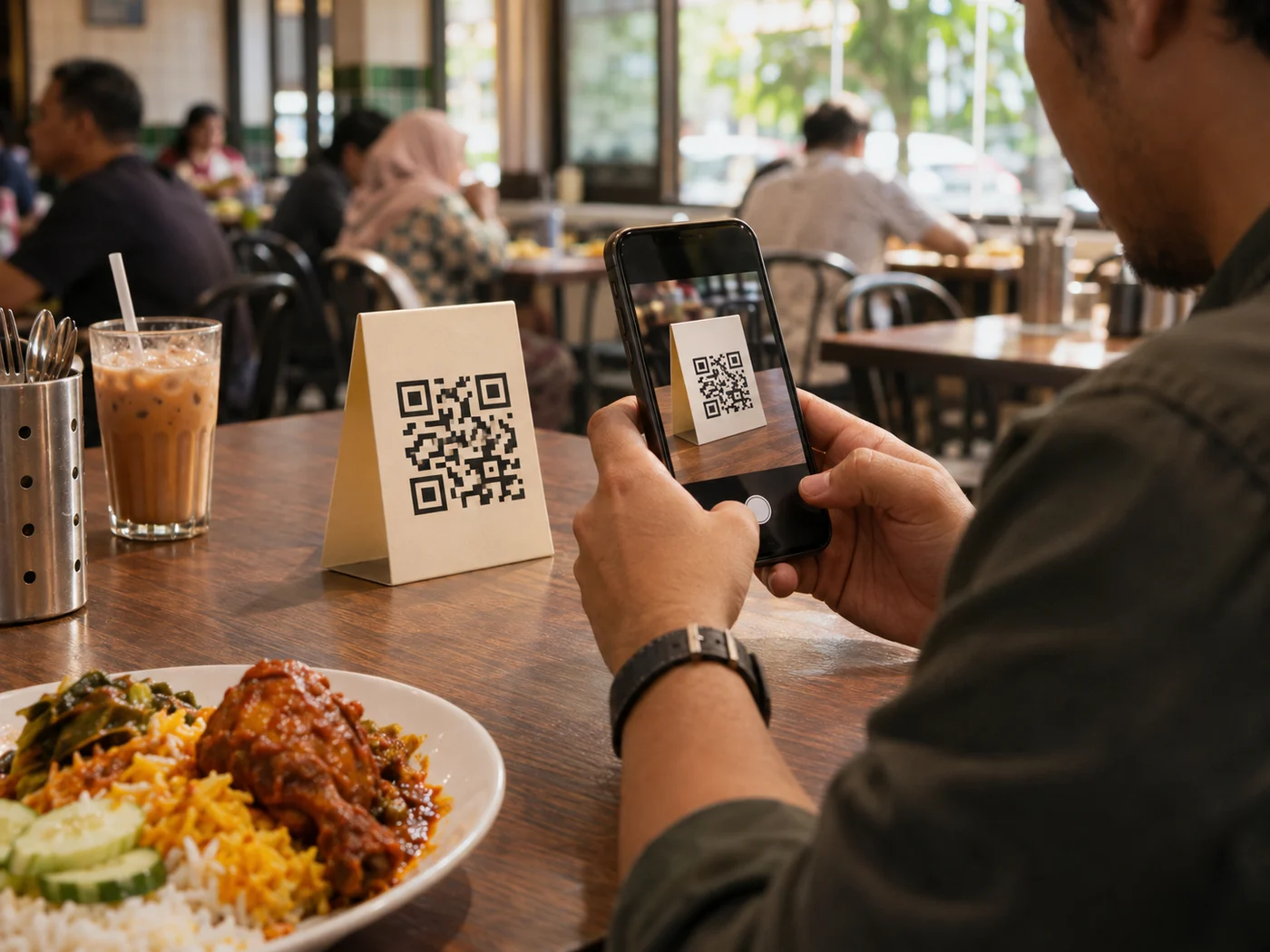
We design the menu to match your brand. Guests order from their phones, your kitchen gets the ticket, and payment stays at the counter.
Same dishes, two different menus
Switch between a photo-led menu and a quick list to see how the same dishes can fit different styles of service.
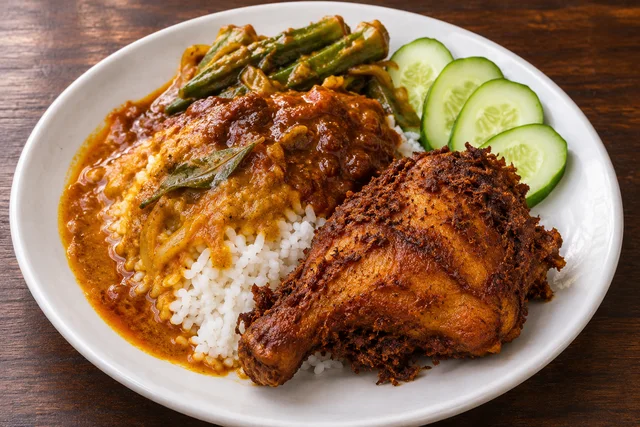
Select a dish to try its options
From table to kitchen
Order at the table, pay at the counter
Guests can pay with cash, a card terminal, or the restaurant’s merchant QR code.
-
Scan at the table
Guests open your menu by scanning the table’s QR code.
-
Choose and order
They browse a menu styled for your restaurant, choose their dishes, and add any notes.
-
Print in the kitchen
Staff receive a ticket with the table, quantities, and notes in one place.
Sample order
Kitchen ticket
- 2 × Nasi kandar ayam
- 1 × Roti canai
- 2 × Teh ais
Kuah asing for one rice
Our clients
-
ABC Group Always Best Choice restaurant group
-
RESTORAN MUBEEN NASI KANDAR Bukit Damansara, Kuala Lumpur
- NASI KANDAR IMTHIYAZ Plaza Damansara, Kuala Lumpur
Frequently asked questions
Do guests need to download an app?
No app required. Guests scan the table QR code and order in their phone’s browser.
Can I use my existing POS or thermal printer?
ARZ QR ORDERING works with compatible thermal printers installed on Windows. Share your printer model and POS name so we can confirm compatibility with your setup.
How are payments handled?
Guests place their order from the table and pay at the counter. Staff can record cash payments or confirm payments made through your card terminal or merchant QR code.
How long does setup take?
Setup typically takes 3 to 14 days, depending on the configuration required. We confirm your timeline after reviewing your menu, ordering options, and printer setup.
Let’s design your QR menu
Send us your current menu or a photo of your menu board on WhatsApp to get started.
Design your menu